AI Integrated Graphic Designing
Categories: Design & Creativity
Share
Share Course
Page Link
Share On Social Media

Course Content
Module 1: Introduction to Graphic Designing
Learn the path, skills, and tools needed to start your career in graphic design.
-
How to Become a Graphic Designer
11:06 -
Step by Step Guide to Becoming a Graphic Designer
09:29 -
Common Questions Answered
10:13
1. Fundamentals of Graphic Design
Learn the core concepts of graphic design and build a solid foundation.
-
What is Graphic Design?
05:39 -
Seven Elements of Design
10:34 -
Computer Graphics
09:42 -
Principles of Graphic Design
22:21 -
Graphic Design Fundamentals Quiz
2. Color Theory for Designers
-
What’s Color Theory
17:05 -
Color Psychology
07:34 -
How to Choose the Right Brand Colors
10:12 -
Color Combinations Behind Famous Brands
04:13 -
Adobe Color
09:22 -
Color Theory Quiz
3. Typography in Graphic Design
-
What is Typography
07:26 -
Typeface vs Font
03:37 -
Classification of Typeface
06:39 -
Anatomy of Typography
08:00 -
The Evolution of Serif Fonts
07:15 -
The Modern Face of Typography
06:37 -
Typography Mastery Quiz
4. Layouts & Visual Composition
-
Introduction to Layout & Composition
05:47 -
5 Core Principles of Composition
11:49 -
Advanced Layout & Composition Techniques
08:36 -
Layout & Composition Basics Quiz
Module 2: Introduction to Adobe Photoshop
-
How to Purchase Adobe Plan
08:29 -
Overview of Adobe Photoshop
07:07 -
Exploring the Photoshop Welcome Screen
08:50 -
Creating a New Document in Photoshop
09:25 -
Navigating the Photoshop Workspace
06:36 -
Importing Images onto the Photoshop Canvas
02:54
1. Layer Panel Essentials
-
Understanding Layer Basics
11:54 -
Managing Selections & Grouping Layers
13:14 -
Blending Modes + Opacity & Fill
07:01 -
Exploring Blending Modes
15:39 -
Adding Layer Styles (FX)
09:38
2. Move & Navigation Tools
-
Move tool
15:08 -
Artboard Tool
10:58
3. Selection Tools
-
Marquee Tools
09:19 -
Lasso Tools
10:04 -
Object Selection Tool
11:58 -
Quick Selection Tool
06:44 -
Magic Wand Tool
4. Crop & Slice Tools
-
Crop Tool
-
Perspective Crop Tool
-
Slice Tool
-
Slice Select Tool
5. Frame & Measurement Tools
-
Frame Tool
-
Eyedropper Tool
-
Color Sampler Tool
-
Ruler Tool
-
Note Tool
-
Count Tool
6. Retouching & Healing Tools
-
Spot Healing Brush Tool
-
Healing Brush Tool
-
Patch Tool
-
Content-Aware Move Tool
-
Red Eye Tool
7. Painting & Drawing Tools
-
Brush Tool
-
Pencil Tool
-
Color Replacement Tool
-
Mixer Brush Tool
8. Cloning Tools
-
Clone Stamp Tool
-
Pattern Stamp Tool
9. History & Restore Tools
-
History Brush Tool
-
Art History Brush Tool
10. Eraser Tools
-
Eraser Tool
-
Background Eraser Tool
-
Magic Eraser Tool
11. Fill & Gradient Tools
-
Gradient Tool
-
Paint Bucket Tool
12. Blur, Sharpen & Smudge Tools
-
Blur Tool
-
Sharpen Tool
-
Smudge Tool
13. Dodge, Burn & Color Control Tools
-
Adjustment Brush Tool
-
Dodge Tool
-
Burn Tool
-
Sponge Tool
14. Pen & Path Tools
-
Pen Tool
-
Freeform Pen Tool
-
Curvature Pen Tool
-
Anchor, Delete, Convert Point Tool
15. Text & Typography Tools
-
Text Tool
-
Text Mask Tool
-
Match Font
16. Path & Shape Selection Tools
-
Path Selection & Direct Selection Tool
17. Shape & Vector Tools
-
Shape Tools
18. View & Navigation Tools
-
Hand Tool
-
Rotate Tool
-
Zoom Tool
19. Masking Techniques
-
Clipping Mask
-
Layer Mask
-
Vector Mask
20. Advanced & Special Photoshop Features
-
Sky Replacement
-
Puppet Warp
-
Face Liquify
-
Perspective Warp
-
Vanishing Point
Module 3: AI-Based Photoshop Tools
-
AI Denoise
-
AI Sharpen
-
Generative Fill
-
Image Upscale
-
Generative Expand
Module 4: Adobe Photoshop Advanced Projects
-
AI Photo Merging with Adobe Firefly
-
AI-Powered Photo Restoration Using Prompts
-
Creative Light Effects in Photoshop
-
AI Light Effects & Smart Lighting Enhancement
-
Social Media Poster Design
-
Professional Brochure Design & Layout
-
High-Impact Flyer Design
-
Modern Visiting Card Design
-
Digital E-Card Design for Events & Branding
-
Faceless Portrait Creation Techniques
Module 5: Introduction to Adobe Illustrator
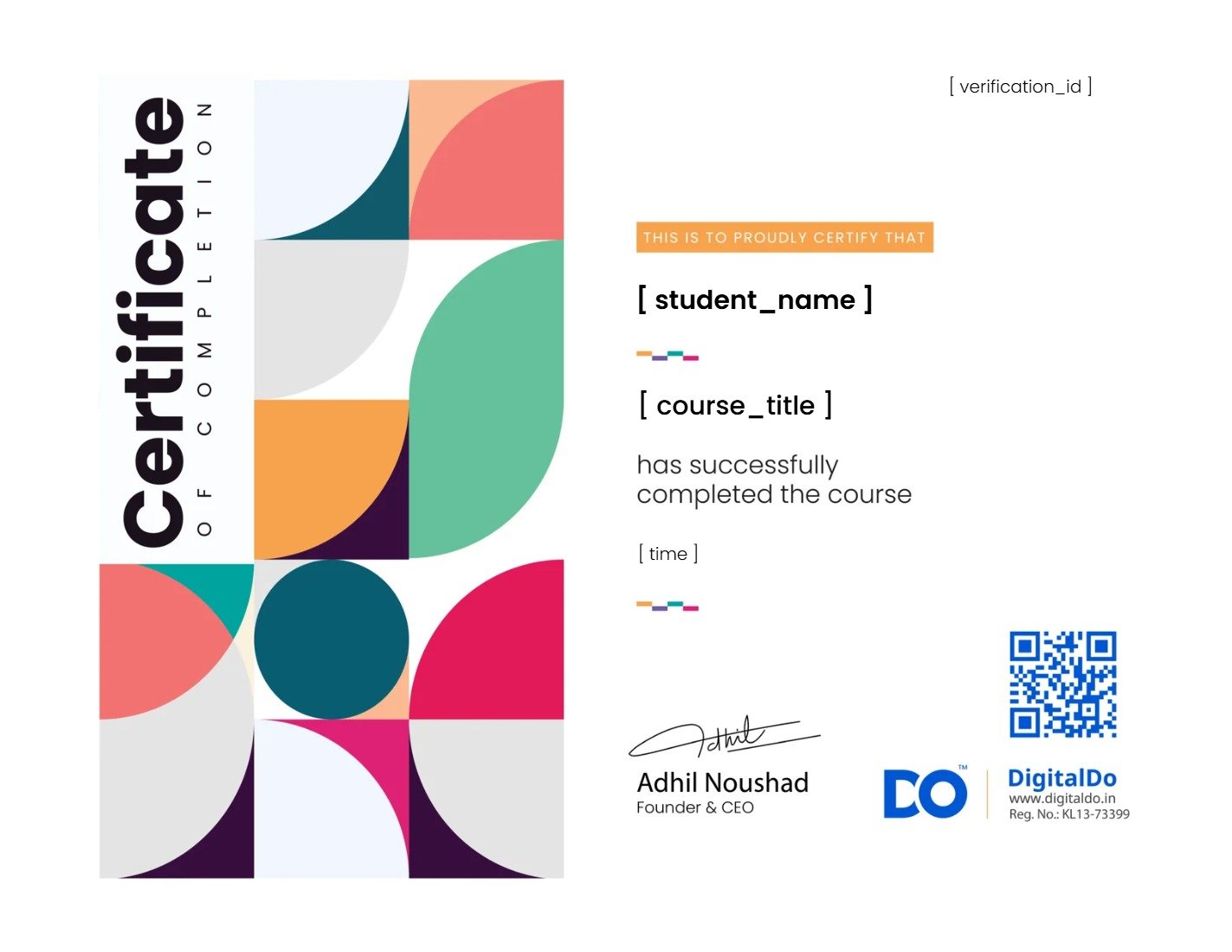
Earn a certificate
Add this certificate to your resume to demonstrate your skills & increase your chances of getting noticed.